Bulk business search
Discover Google Maps businesses in bulk by keyword and location.
Find businesses on Google Maps in bulk and turn public company details into an organized B2B prospect list.
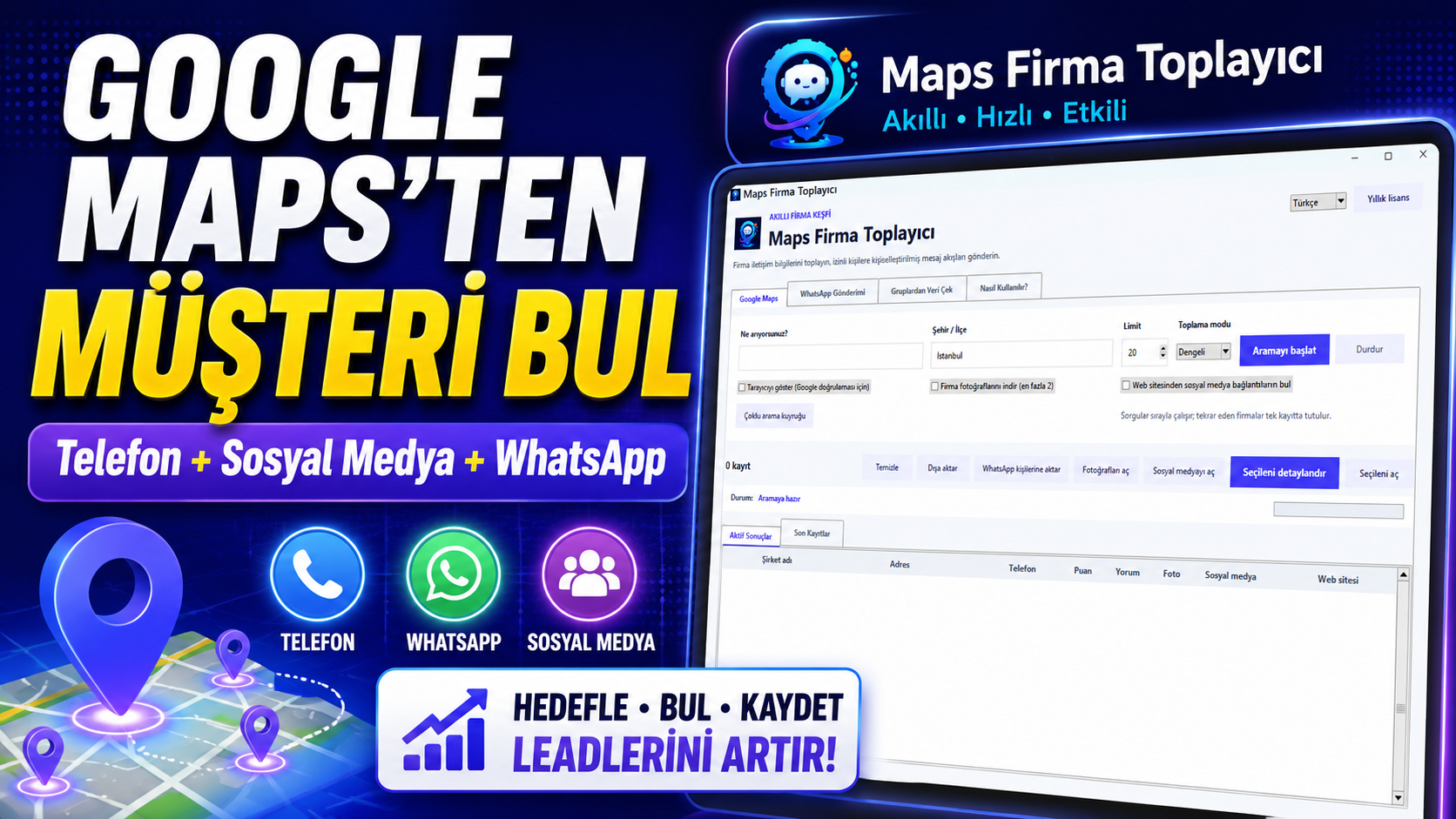
Opening each business, copying contact details and cleaning the list drains sales time.
Maps Business Scraper combines discovery, data organization and export in one desktop application.
See the workflow ↘Watch the search, record enrichment, export and WhatsApp workflow. The current walkthrough has Turkish audio and a clear on-screen demonstration.
Research businesses across locations and industries, then turn useful public company information into a sales-ready list.
Discover Google Maps businesses in bulk by keyword and location.
Organize public company names, phone numbers and addresses.
Find available business websites and social profile links in one record.
Run targeted searches across multiple cities, districts and industries.
Move selected business records into the application's WhatsApp workflow.
Search local and international target markets in either language.
Export collected results as an organized prospect list for your team.
Prepare targeted lists for sales, partnerships and dealer development.
Define the market, review the results and select the records that fit your sales process.
Ask about a demo →Choose an industry, city, district, language and result limit.
The application finds listings and organizes relevant details on one screen.
Export results or move suitable records into your WhatsApp workflow.
Sell to local businesses, develop a dealer network or research a new B2B market with a repeatable data workflow.
Launch pricing for the first 20 purchases. Standard prices apply after the launch allocation is filled.
For short projects or teams that want to start with a one-month license.
For teams that run business research and sales development throughout the year.
For teams that want ongoing use without periodic license renewals.
Use the software only for business data you may lawfully access. Compliance with applicable privacy law, platform terms, consent requirements and commercial communication rules remains the user's responsibility. Do not send unsolicited bulk messages or spam.
For anything else, contact our WhatsApp support team.
It helps you organize publicly available business names, phone numbers, addresses, websites and discoverable social profile links.
Yes. Build separate searches by city, district and industry for different target markets.
Connect your WhatsApp account and move selected business records into the communication workflow. You must follow consent and commercial messaging rules.
Monthly, annual and lifetime licenses are available. Contact support for current availability and scope.
Maps Business Scraper is a Windows desktop application. System requirements are shared during the license conversation.
Talk to OmniPure Marketing about product fit, current licenses and installation support.
Compare license options and confirm whether the application fits your sales process.
Ask on WhatsApp →